Last Update: 2026-06-06
QR コード生成(qrcode)
qrcode ライブラリ
- インストール: cf. 公式ドキュメント
使い方はめっちゃ簡単。
qrcode-test.png を生成できる。

QR コード生成エンドポイント
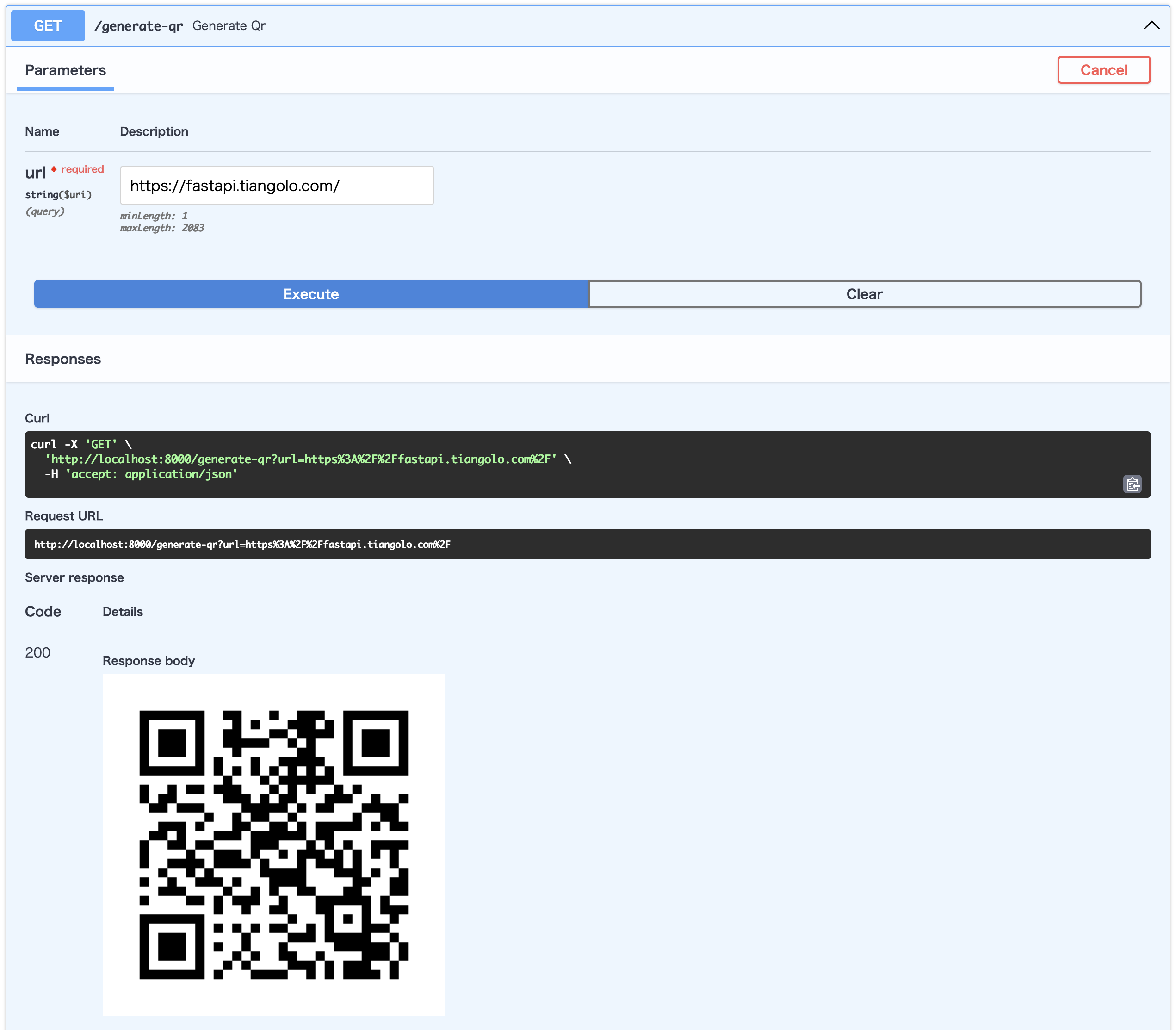
qrcode を使って、 URL を渡すと QR コードの画像を返すエンドポイントを作る。
from fastapi import FastAPI, Query, Response
from pydantic import HttpUrl
import qrcode
from io import BytesIO

app = FastAPI()

@app.get("/generate-qr")
async def generate_qr(url: HttpUrl = Query(...)):
    img = qrcode.make(str(url))
    buf = BytesIO()
    img.save(buf, format="PNG")  # type: ignore

    return Response(content=buf.getvalue(), media_type="image/png")
io モジュールの BytesIO
cf. io — Binary I/O / io.BytesIO
img.save("qrcode-test.png") みたいに書くと、ディスクへの書き込みが行われるので遅いし、同時にリクエストが来たら上書きとかロックとかが起こるかもしれない。
io.BytesIO を使えば、リクエストごとにメモリを確保して処理できる。
Quote
A binary stream using an in-memory bytes buffer.
— https://docs.python.org/3.14/library/io.html#io.BytesIO より
なので、下記のように書いて buf に QR コードを書き込んでいくようにするといい。
あとは buf を getvalue で bytes にして Response で返すだけ。 getvalue は現在位置に関係なくバッファ全体を返すので、 buf.seek(0) も要らない。
StreamingResponse で buf をそのまま渡す方法もあって、その場合は getvalue のコピー 1 回分を減らせる。ただ StreamingResponse が本領を発揮するのは、ジェネレータやファイルをチャンクで逐次返すときで、 QR コードみたいに成果物が全部メモリにある小さいデータだと差はごくわずからしい。
Response / StreamingResponse / FileResponse の使い分け (by Claude Opus 4.8)
Response— 成果物が全部メモリにある小さいデータ( QR コードや 1 枚の PDF など)。content=bytesで素直に返せて、ヘッダーも付けやすい。StreamingResponse— ジェネレータやファイルをチャンクで逐次返すとき。全体をメモリに載せずに流せるので、大きいデータほど効く。FileResponse— すでにディスクにあるファイルをそのまま返すとき。